tint
A tool for color-freaks to highlight the selected track, use a spectrum to batch recolor tracks and automatically color tracks based on their names.
Highlight Selected #
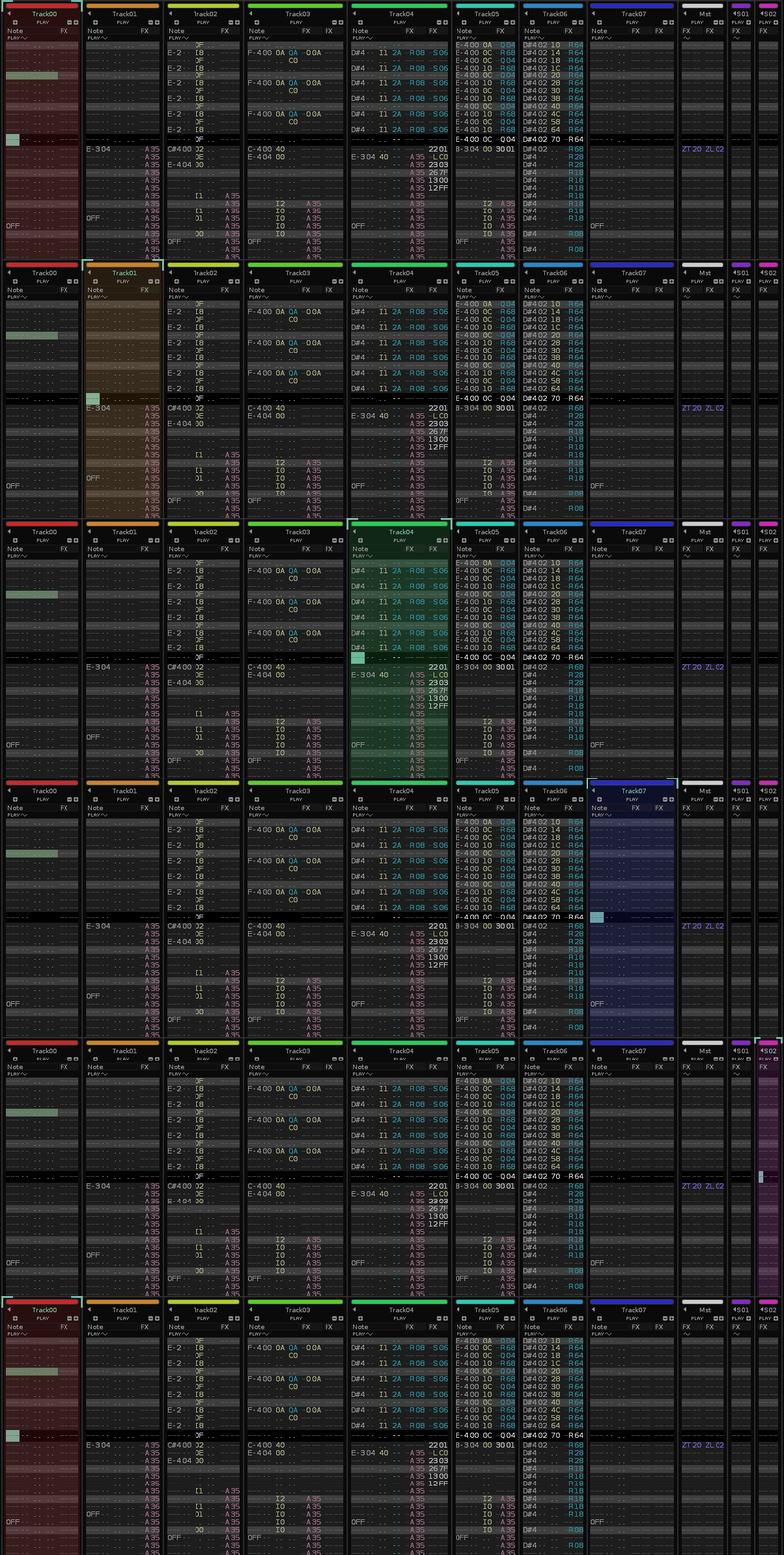
Highlight the selected track with its color.
Settings can be found in the Tools/tint/Highlight Settings menu.
- Pick between
Alwayshighlighting, only whenEditmode is enabled or useSeparatesettings for each - Highlight either by setting the background
Blend Onlyor aFixed Color - Blend mode has different ways the
Blendcan be applied to deal with tracks that already have a background blend set, if you aren’t using background blend on your tracks, keep this onSet.
Recolor Tracks #
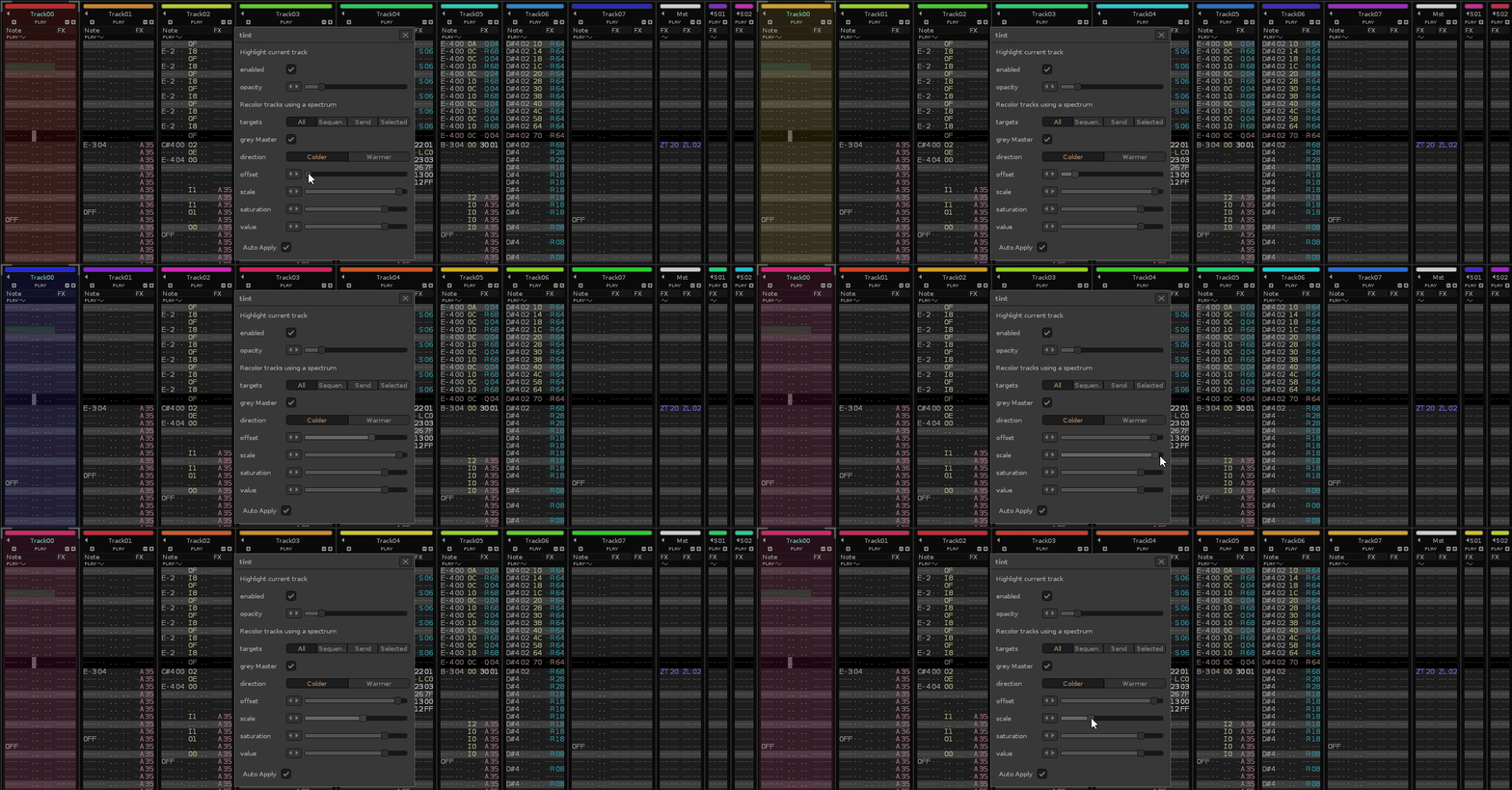
Recolor all (or some) of your tracks using a rainbow spectrum with a customizable hue offset, scale, saturation and value.
Settings can be found in the Tools/tint/Recolor Tracks menu.
By setting the scale lower, you can avoid using the entire rainbow (offset will pick where the range starts at).
Auto-color Tracks by Name #
Lets you define words and color pairs that will be used to recolor any track that matches the words set.
Settings can be found in the Tools/tint/Auto-color Tracks By Name menu.